
When choosing a webcam for video calls, online meetings, streaming, or recording, USB connectivity is an important factor to consider. USB 2.0 and USB 3.0 are two common connection standards used by webcams. Although both can transmit video, they differ significantly in data transfer speed. But does using a USB 3.0 port actually improve webcam video quality?
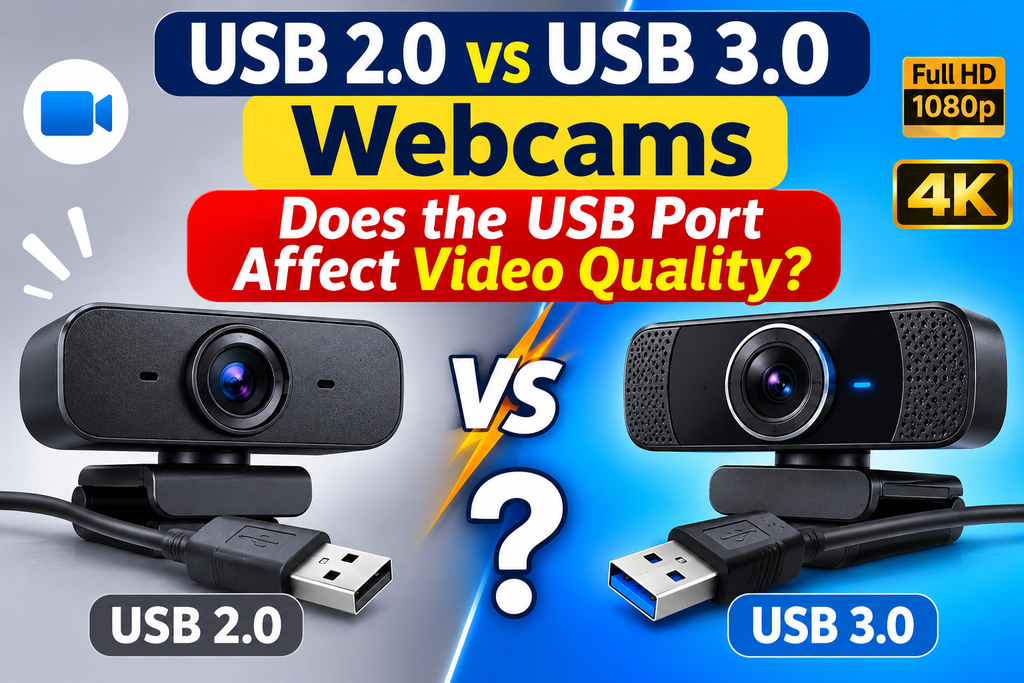
Understanding USB 2.0 and USB 3.0
USB 2.0, also known as High-Speed USB, supports a theoretical maximum data transfer rate of 480 Mbps (megabits per second). It is widely compatible with computers, laptops, and older devices.
USB 3.0, commonly called SuperSpeed USB, offers a theoretical maximum transfer rate of 5 Gbps (gigabits per second). This provides significantly more bandwidth for transferring large amounts of data, including high-resolution video.
The additional bandwidth can be particularly useful for webcams that support Full HD, 2K, or 4K video.
Does the USB Port Affect Webcam Video Quality?
The USB port does not directly improve a webcam’s image quality. Factors such as the camera sensor, lens, lighting, resolution, and image processing have a much greater influence on how your video looks.
However, the USB connection can indirectly affect video quality and performance.
A USB 2.0 connection may work perfectly with a 720p or 1080p webcam, depending on the frame rate, compression, and camera settings. But when a webcam requires more bandwidth than the connection can provide, you may experience reduced frame rates, compression artifacts, dropped frames, or lower available resolution.
USB 3.0 provides more bandwidth, making it better suited for high-resolution webcams, especially those recording at 1080p 60 FPS or 4K.
Which USB Port Should You Use?
For basic video conferencing, online classes, and everyday webcam testing, USB 2.0 is generally sufficient.
For professional video recording, live streaming, high-frame-rate video, and 4K webcams, USB 3.0 or newer is usually the better choice.
Always check your webcam’s manufacturer specifications before selecting a port. A USB 3.0 webcam connected to a USB 2.0 port may operate with reduced capabilities.
USB 2.0 vs USB 3.0 Webcam Comparison
| Feature | USB 2.0 | USB 3.0 |
|---|---|---|
| Maximum theoretical speed: | 480 Mbps | 5 Gbps |
| Bandwidth: | Lower | Higher |
| 720p webcam: | Excellent support | Excellent support |
| 1080p webcam: | Generally supported | Excellent support |
| 1080p at 60 FPS: | May be limited | Better support |
| 4K webcam: | May require compression or reduced settings | Better bandwidth for compatible webcams |
| Video quality: | Depends on webcam and bandwidth | Depends on webcam and bandwidth |
| Compatibility: | Widely compatible | Compatible with USB 2.0 devices |
| Best for: | Basic video calls and online classes | Streaming, high-resolution recording, and advanced webcams |
Final
USB 3.0 does not automatically make your webcam produce sharper or more detailed images. Instead, it provides additional bandwidth that helps compatible webcams deliver higher resolutions and frame rates without connection-related limitations. For most basic webcam users, USB 2.0 is enough, while USB 3.0 is recommended for advanced video applications.